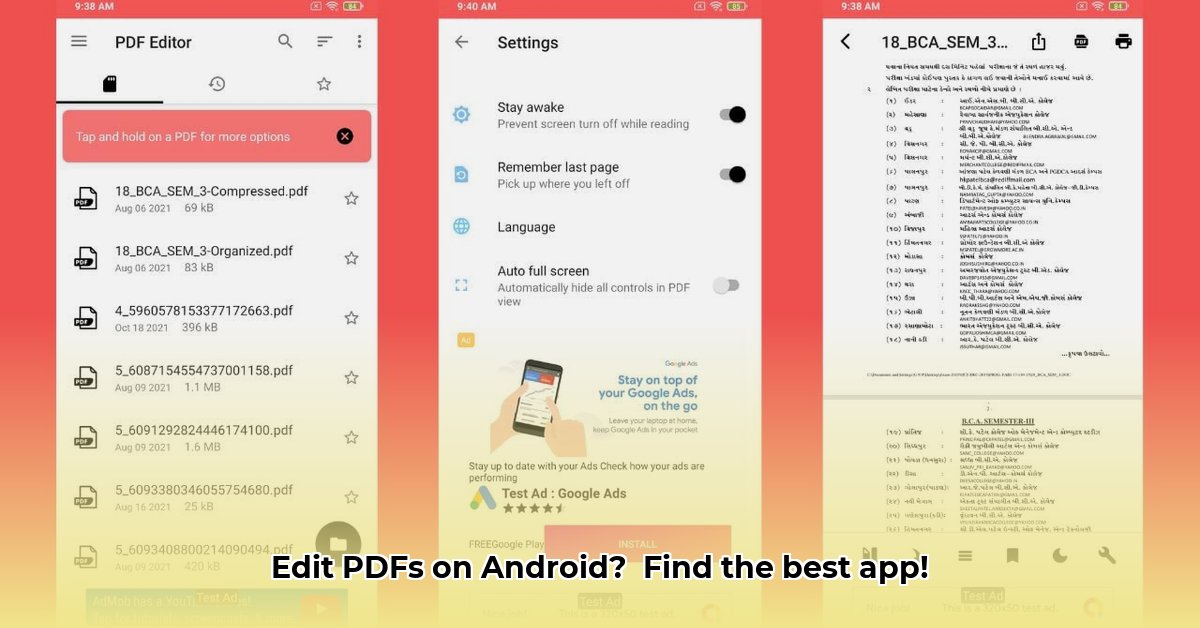
Editing PDFs on your Android device shouldn't be a struggle. With numerous PDF editor apps available, selecting the right one can be overwhelming. This comprehensive guide highlights the top PDF editor APKs for 2024, helping you navigate the options and choose the perfect fit for your needs. We'll compare features, ease of use, performance, and security, ensuring you make an informed decision.
Top 3 PDF Editor APKs: A Quick Overview
We'll begin with three leading contenders, each offering unique strengths:
Adobe Acrobat Reader: Known for its comprehensive feature set, this app is a powerful tool for various PDF editing tasks. However, its extensive features can lead to a steeper learning curve and higher resource consumption.
Xodo PDF Reader & Editor: This app provides a strong balance between powerful features and user-friendliness, making it suitable for a broad range of users. Its intuitive interface enhances usability.
PDFelement: Ideal for users prioritizing a simple and straightforward editing experience, this app excels at ease of use and efficiency, making it perfect for everyday tasks. It offers a clean design and fast performance.
Detailed Reviews: An In-Depth Look at Each App
Let's delve into a detailed analysis of each app, evaluating its key aspects:
Adobe Acrobat Reader: The Comprehensive Solution
- Key Features: Text and image editing, commenting, highlighting, form filling, electronic signatures, cloud storage integration. It's a truly comprehensive package.
- User Interface: Familiar to users of other Adobe products, but might feel cluttered for beginners.
- Performance: Runs smoothly on newer devices, but older models might experience performance issues. Resource intensive.
- Pros: Feature-rich, trusted brand, excellent for complex edits.
- Cons: Steep learning curve, high resource usage, some advanced features require a paid subscription.
- Pricing: Freemium model; basic features are free, while advanced tools require a subscription.
- Security: Adobe employs robust security measures to protect user documents and data.
Xodo PDF Reader & Editor: The Balanced Choice
- Key Features: Text editing, annotation tools, merging/splitting PDFs, form creation and completion.
- User Interface: Clean and intuitive, ensuring easy navigation for all users.
- Performance: Generally smooth and reliable, even on older devices. Resource-efficient.
- Pros: User-friendly, excellent feature set for most users, good value for money.
- Cons: May lack some advanced editing features compared to Adobe Acrobat Reader. Free version may include ads.
- Pricing: Freemium model; a free version with ads and limitations exists, while a paid version unlocks full functionality.
- Security: Xodo utilizes solid security protocols to protect user documents.
PDFelement: The Streamlined Solution
- Key Features: Basic text and image editing, annotation capabilities, suitable for quick edits and general PDF management.
- User Interface: Clean and intuitive design, ideal for straightforward tasks.
- Performance: Lightweight app, resulting in efficient battery and storage usage. Fast and responsive.
- Pros: Simple, effective, easy to learn, perfect for daily tasks.
- Cons: Lacks the advanced features found in other apps. Free version often includes watermarks.
- Pricing: Freemium model; a free version with limitations exists, and upgrading to the paid version unlocks full functionality.
- Security: Implements standard security features.
Feature Comparison: A Quick Glance
This table summarizes the key features for quick comparison:
| Feature | Adobe Acrobat Reader | Xodo PDF Reader & Editor | PDFelement |
|---|---|---|---|
| Editing Power | Excellent | Very Good | Good |
| Ease of Use | Good | Excellent | Excellent |
| Performance | Good | Excellent | Excellent |
| Price | Paid/Freemium | Paid/Freemium | Paid/Freemium |
Choosing the Right App: Your Personalized Recommendation
The ideal PDF editor depends on your individual needs. For extensive features and complex edits, Adobe Acrobat Reader is a powerful option. However, it may be resource-intensive. Xodo offers a balanced approach, combining power and user-friendliness. If simplicity and efficiency are your priorities, PDFelement is a superb choice. Consider your priorities before making your final decision.
Frequently Asked Questions (FAQ)
- Q: Are these apps safe to use? A: All the apps reviewed implement standard security measures. Always review individual app privacy policies.
- Q: What if I need advanced features? A: If you frequently require advanced features like OCR or extensive editing capabilities, Adobe Acrobat Reader is the best option.
- Q: What's the best free option? A: While all apps offer free versions, Xodo provides a good balance of features and usability without a paid subscription. However, keep in mind that free versions often have limitations.
Remember to consider your specific needs and budget before installing any app. Happy editing!
⭐⭐⭐⭐☆ (4.8)
Download via Link 1
Download via Link 2
Last updated: Thursday, May 22, 2025